Personal · 6 min read
Best 5 character illustration prompts to turn your photo into art
Felt wool, 3D cartoon, plush teddy fur, paper cut diorama and cinematic anime — five copy-ready character illustration prompts, each linked to the Personal library.
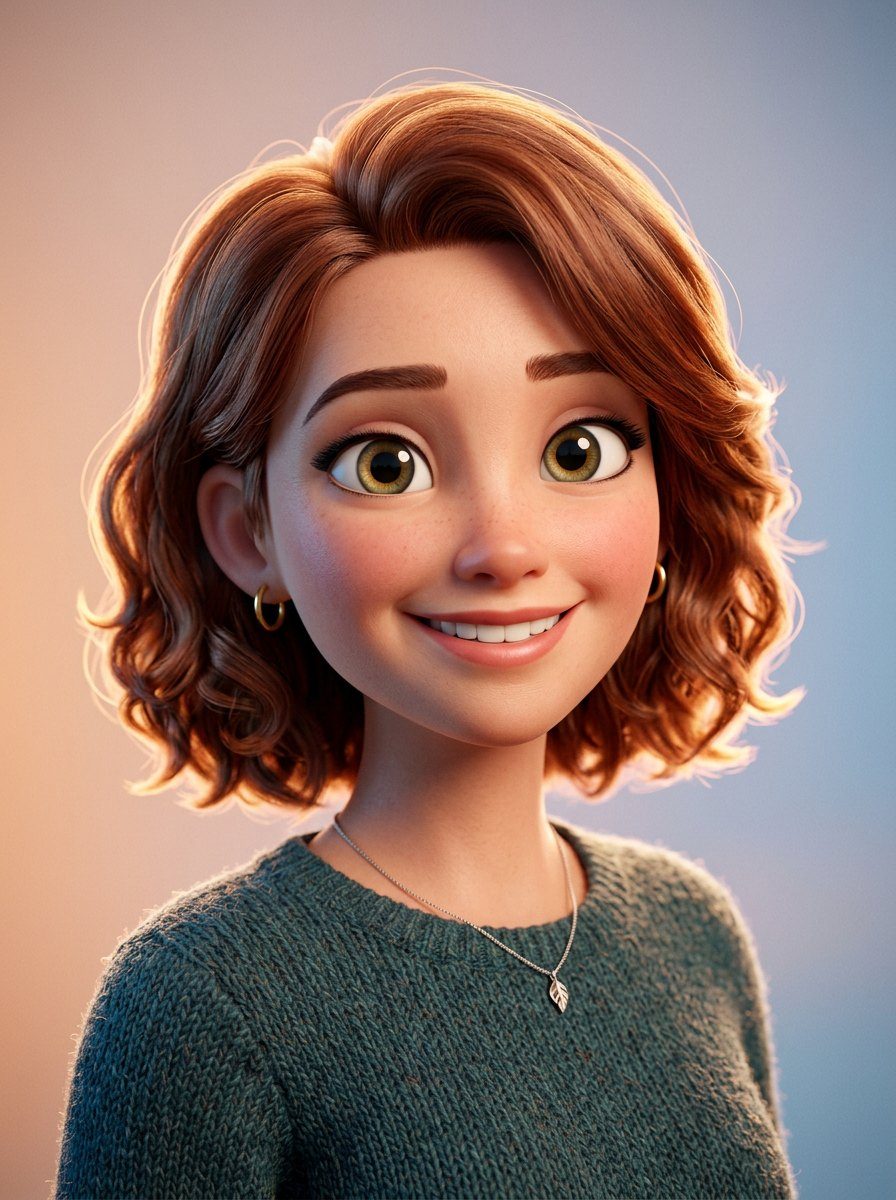
1. Felt Wool Character Illustration
Needle-felted wool is the softest way to stylise a face. The prompt works because it names the material behaviour — individual wool fibres, soft rounded edges, a flat red backdrop — so the model builds a handmade object instead of a smooth 3D render.
Prompt
Use the uploaded person as the subject. Simple illustration design, felt character design of uploaded image, space left at the top. In the style of Pixar and children's book illustrations. Close-up shot on a red background, 3/4 side view of the head looking at the camera. Wool felt fabric art. A cute and funny character design in the style of Mo Willems. HD quality. Soft, rounded features, gentle expression, charming and approachable. Pixar-like warmth combined with Mo Willems' whimsical charm. Detailed wool texture showing individual fibers and soft edges. Professional children's book illustration quality. Background color red. Create image in 4:5 format.
 See this style on the Personal page
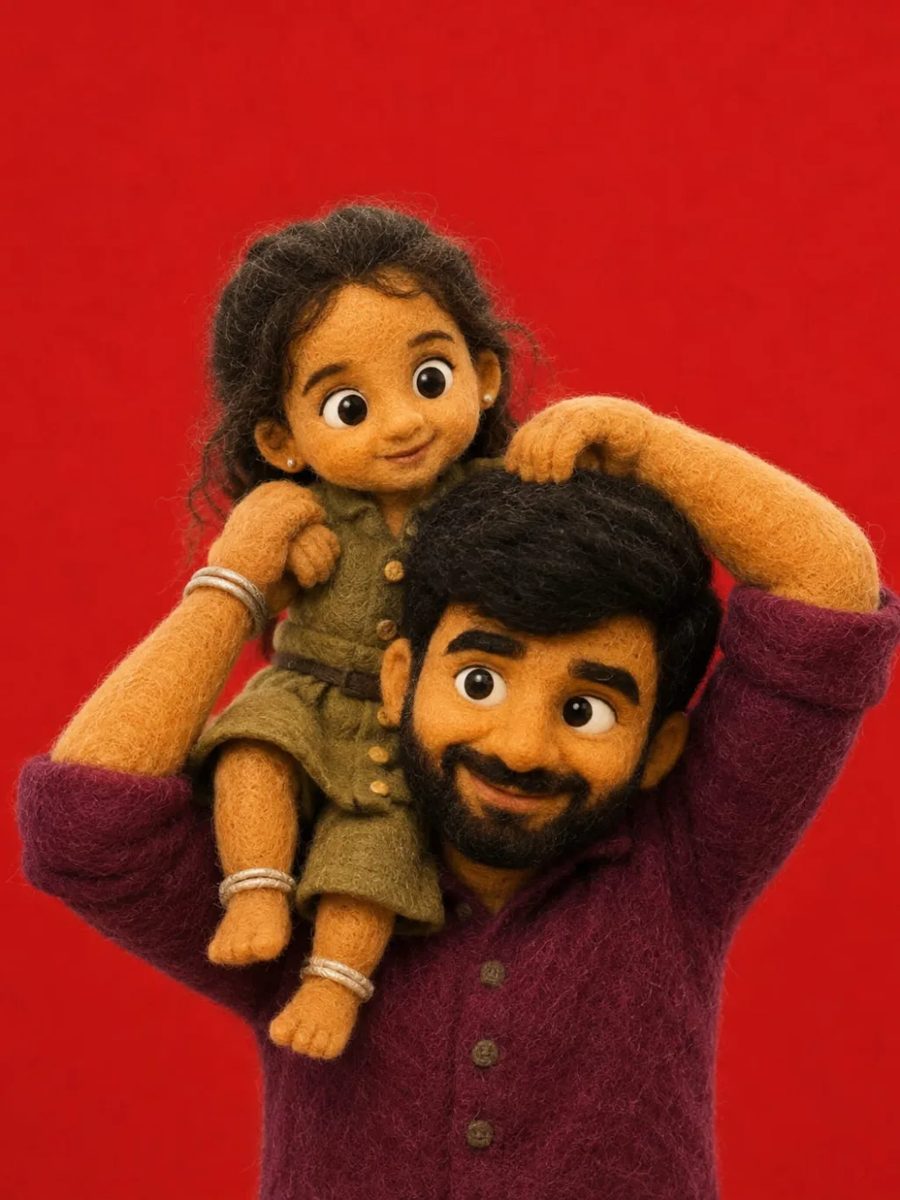
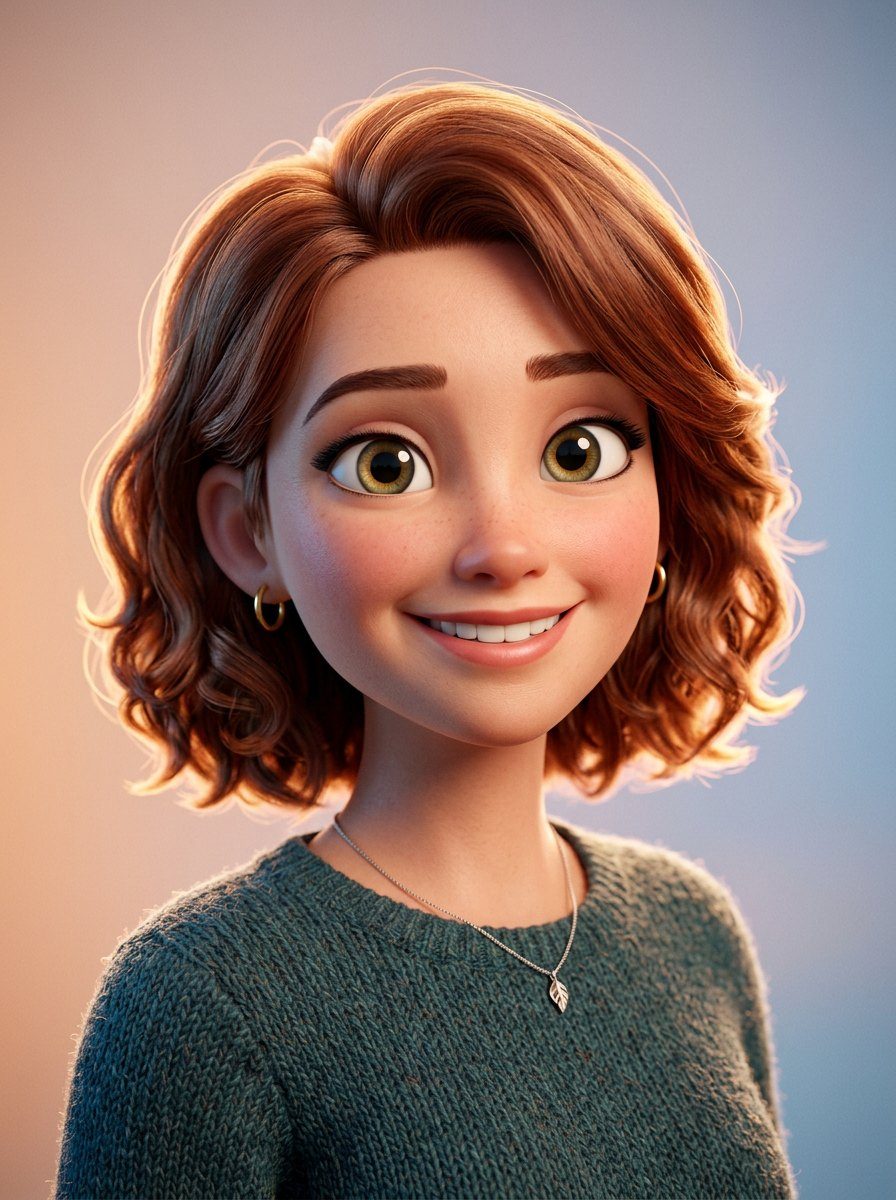
 2. 3D Stylized Cartoon Character Portrait
This is the animation-studio look: exaggerated proportions, large expressive eyes, clay-like finish. Listing the features to preserve — skin tone, brows, nose shape, expression — is what keeps the character recognisable instead of generic.
Prompt
Use the uploaded person as the subject. Using the uploaded photo as the subject, create a 3D character portrait cartoon with exaggerated proportions, large expressive eyes, and a stylized appearance. Preserve the skin tone, eyebrows, lips, nose shape, facial hair, bone structure, exact facial expressions, and gestures from the original. The skin texture should be realistic with visible pores and facial hair, and any accessories like earrings, necklaces, or scarves should be included. The lighting should be sharp and cinematic, with a main light from the left, a fill light from the right, and a rim light for depth. The background should be simple or a gradient to maintain focus on the character. The rendering style should combine Pixar-like detail with Illumination's playful proportions, in high resolution, with a clay-like finish.
 See this style on the Personal page
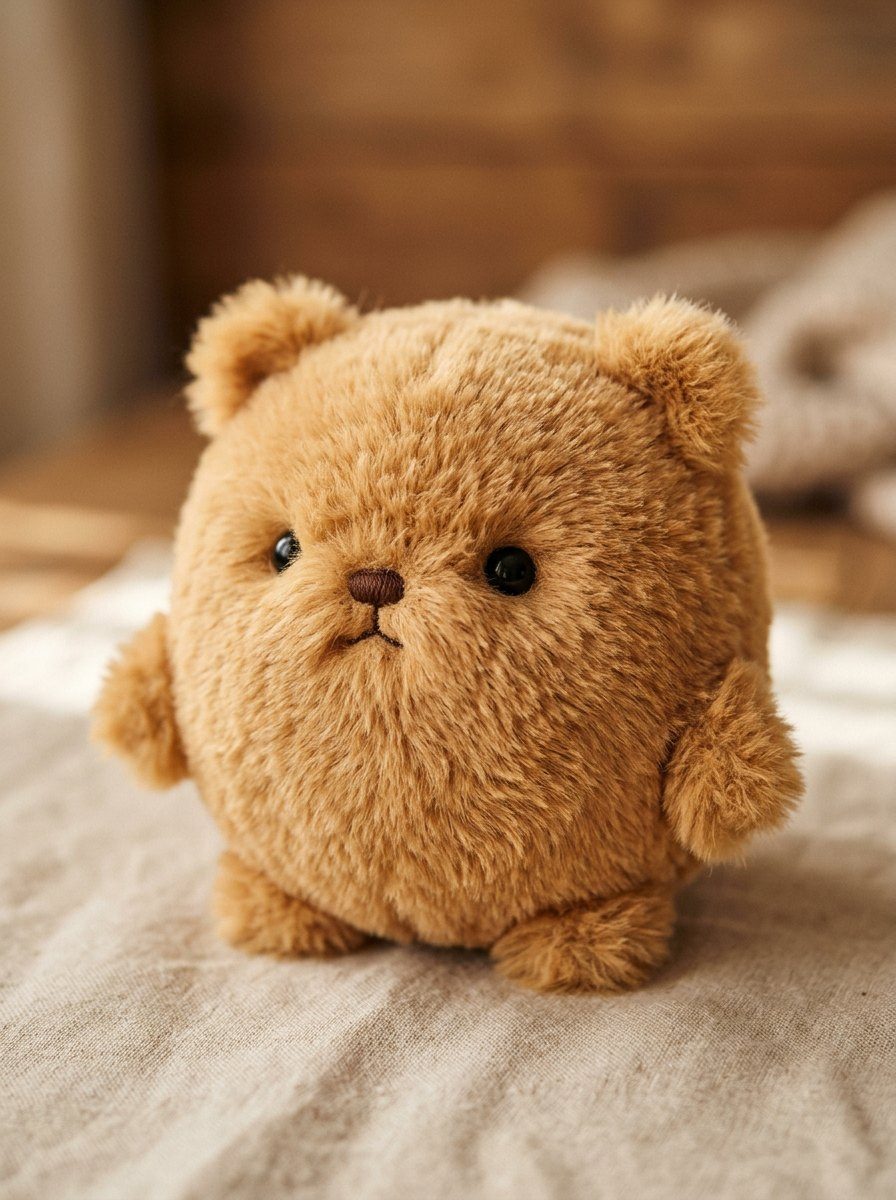
 3. Teddy Bear Plush Fur Filter Effect
The shortest prompt of the five, and the most reliable. It asks for a fur texture pass over the existing photo and explicitly says not to change anything else, so the pose, framing and composition survive intact.
Prompt
Use the uploaded person as the subject. Apply a hyper-realistic plush / teddy-bear fur texture filter to the entire image. Don't change details of image. Aspect ratio 4:5.
 See this style on the Personal page
 4. Paper Cut Diorama Illustration
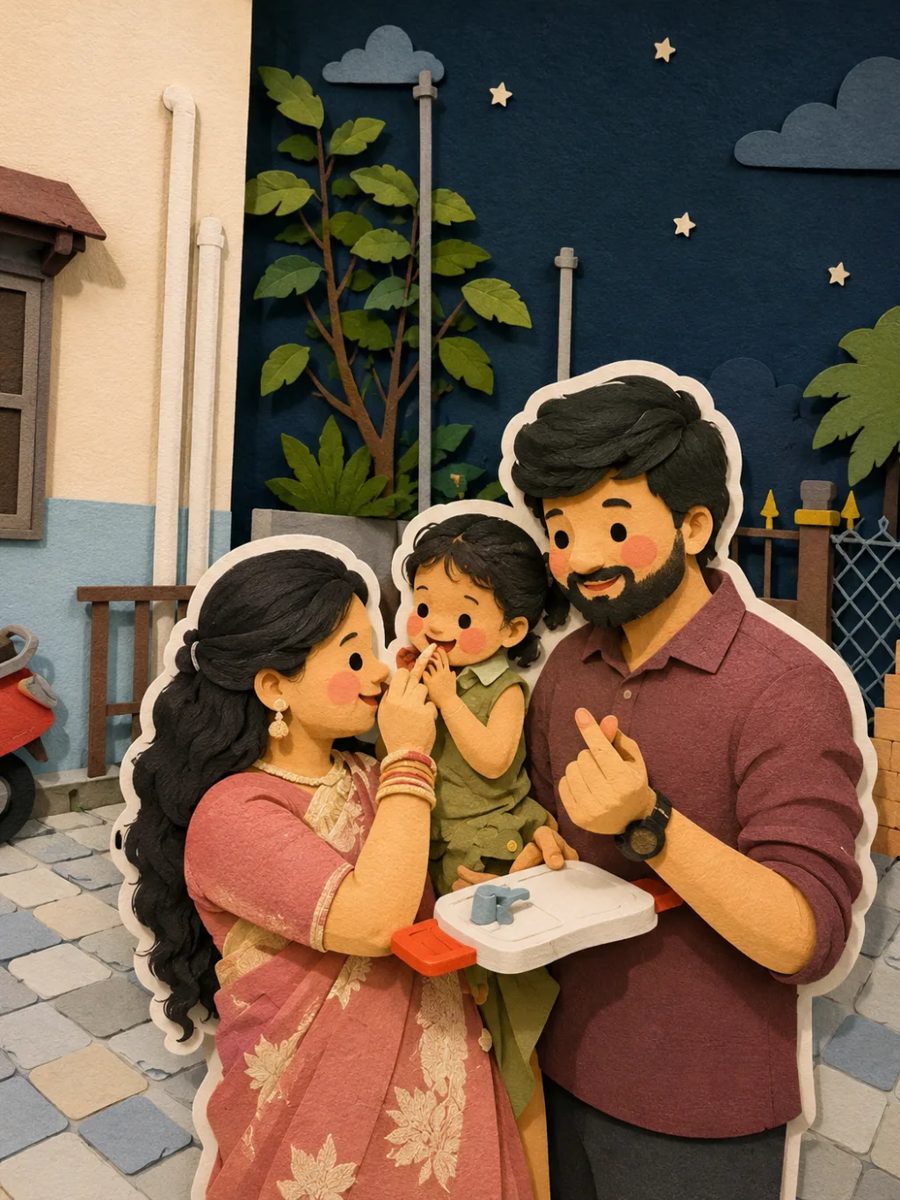
Depth is everything here. The prompt spells out stacked cardstock layers, shadows between them and a thick white sticker border around the character — that white backing layer is what makes the scene look built rather than drawn.
Prompt
Use the uploaded person as the subject. Convert this image into a soft, handcrafted paper-cut layered illustration style, inspired by papercraft diorama aesthetics. Use smooth rounded shapes, simplified cute character proportions, and minimal facial details (dot eyes, blush cheeks) to create a warm, charming look. Apply stacked paper layers with visible depth, subtle shadows between layers, and clean cut edges that resemble laser-cut cardstock. Add a distinct white outer outline layer surrounding each main character, resembling a thick sticker border or white cut-paper backing, clearly separating the characters from the background. This white layer should feel like an intentional paper layer, not a glow. Use a pastel color palette with muted blues, greens, and warm neutrals, balanced and calming. Lighting should feel soft, diffused, and even, enhancing the dimensional paper layers without harsh contrast. Textures should appear matte and tactile, like thick art paper or craft foam. Overall mood: cozy, wholesome, gentle, and storybook-like. Aspect ratio 4:5.
 See this style on the Personal page
 5. Cinematic Anime Dreamscape Illustration
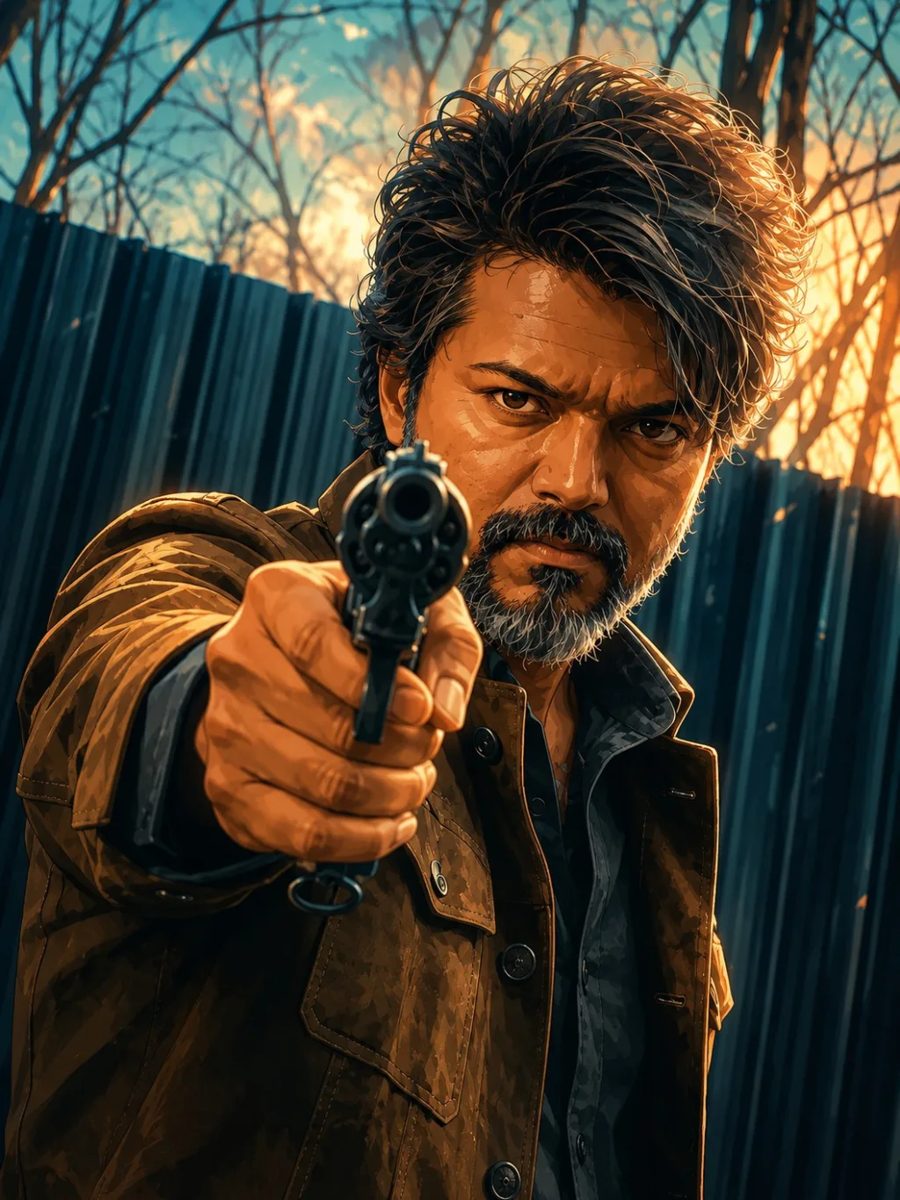
Anime backgrounds carry the emotion, so most of this prompt is sky, light and atmosphere — golden sunlight, deep azure, huge cumulus clouds — while the composition, pose and camera angle of your photo stay untouched.
Prompt
Use the uploaded person as the subject. Transform this image into a premium cinematic anime-inspired illustration while preserving the original composition, subject, pose, camera angle, framing, and all scene elements. Use clean cel-shaded rendering with soft painterly brushwork, bold outlines only where natural, rich vibrant colors, warm golden sunlight, deep azure sky, massive fluffy cumulus clouds with soft cream highlights, smooth tonal gradients, subtle ambient glow, high dynamic range lighting, crisp edges, detailed textures, dreamy atmosphere, soft bloom, gentle depth of field, balanced contrast, and a polished modern digital illustration style. Keep the image highly detailed, natural, and premium, with a peaceful, aesthetic, storybook feel.
 See this style on the Personal page
 How to get a clean result on the first try
Upload one well-lit photo with the whole face visible, keep the style prompt exactly as written, and change only one slot at a time — material, lighting or background. Every prompt above lives in the Personal library with its sample render, so you can copy it in one click and compare your output side by side.
Want the full library?
Hundreds of premium prompts with sample images, one-click copy included.
Open PromptPic