
Designer · 8 min read
Prompts for flyers: 7 AI flyer prompt formulas for better designs
Copy-ready prompts for flyers, including events, products, food, fashion and automotive designs—plus a practical formula for sharper AI flyer layouts.
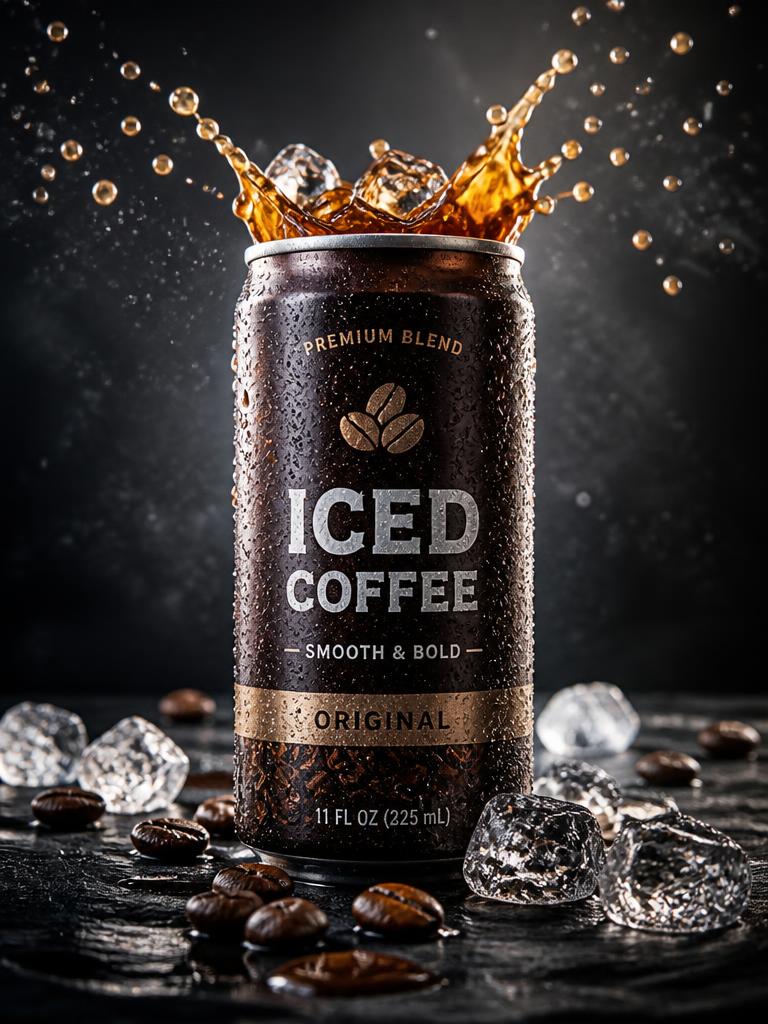
What makes a good prompt for a flyer?
The best prompts for flyers describe a design system, not just a subject. Tell the image model what the flyer promotes, who it is for, the visual hierarchy, composition, colour direction, typography style and final format. Keep essential wording short and place it inside quotation marks. AI-generated text can still contain mistakes, so treat the first result as a strong layout concept and proofread every date, price, address and call to action before publishing.
Browse flyer prompts in DesignerA reliable AI flyer prompt formula
Use this order: flyer purpose + main subject + headline + supporting details + art direction + layout hierarchy + typography + lighting or texture + colour palette + aspect ratio + restrictions. This gives the model enough creative direction while keeping the message readable. Replace the bracketed details with your campaign information and avoid asking for several competing visual styles in one prompt.
Prompt
Create a professional [flyer type] flyer for [audience]. Feature [main subject] as the visual focus. Use the headline “[short headline]” with secondary text “[date, offer or location]” and CTA “[call to action]”. Art direction: [style]. Build a clear top-to-bottom hierarchy with generous spacing, bold display typography, high contrast, clean alignment and room for a logo. Colour palette: [three colours]. Vertical 4:5 format, polished agency-quality design, no extra words, no misspelled text, no watermark.
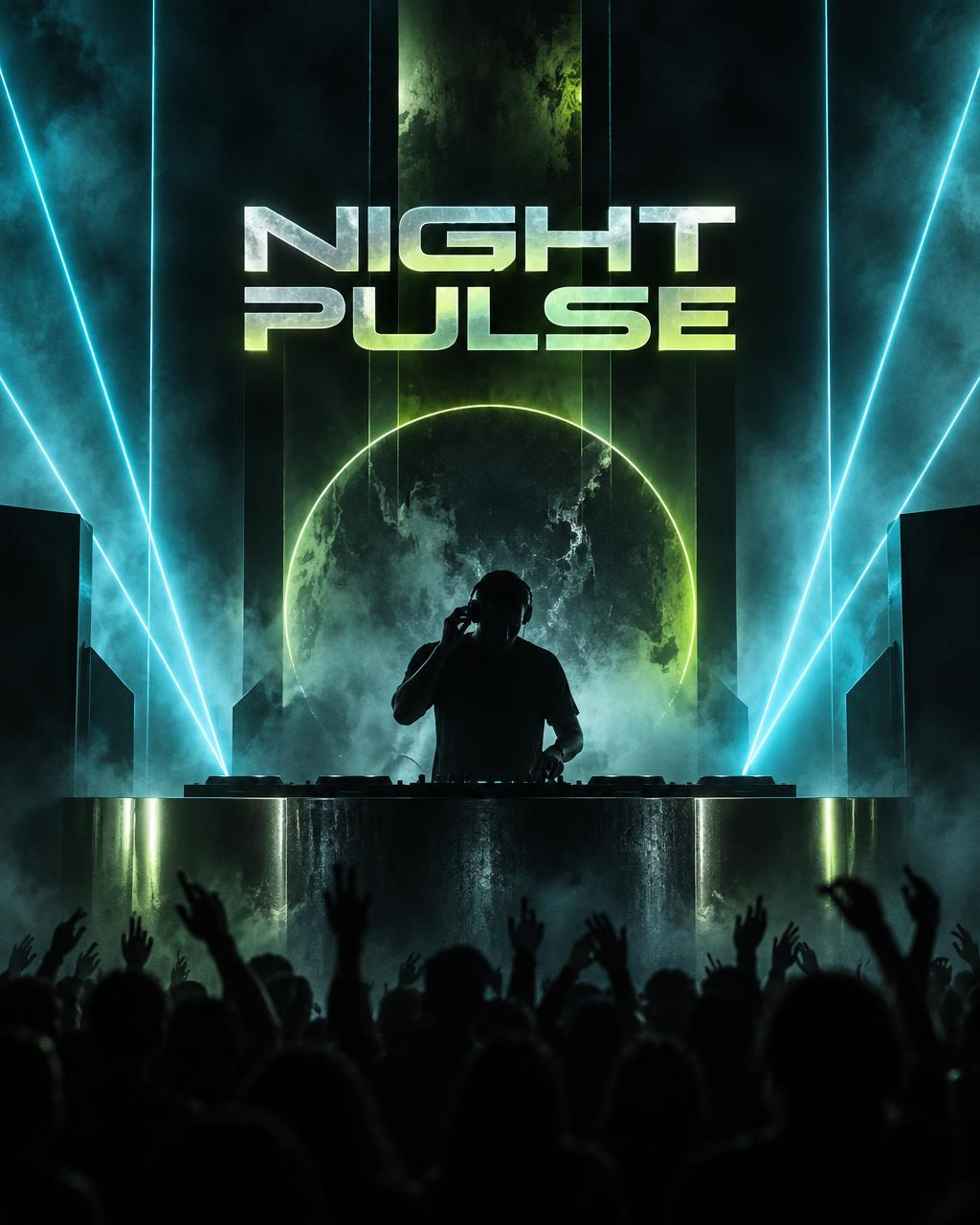
1. Music event flyer prompt
Event flyers need instant atmosphere and a strict information order. Make the artist or event name dominant, then date and venue, with tickets or booking details last. A limited neon palette keeps the design energetic without making every line compete for attention.
Prompt
Design a high-energy electronic music event flyer titled “NIGHT PULSE”. Feature a silhouetted DJ surrounded by sharp laser beams, atmospheric haze and subtle chrome reflections. Place “SATURDAY 18 OCTOBER” and “THE WAREHOUSE — 9 PM” beneath the headline, followed by “TICKETS AVAILABLE NOW”. Use oversized condensed sans-serif typography, a strong central grid, black background with electric cyan and acid-green accents, crisp contrast, premium club-poster finish, vertical 4:5, no extra text, no logos, no watermark.
2. Product launch flyer prompt
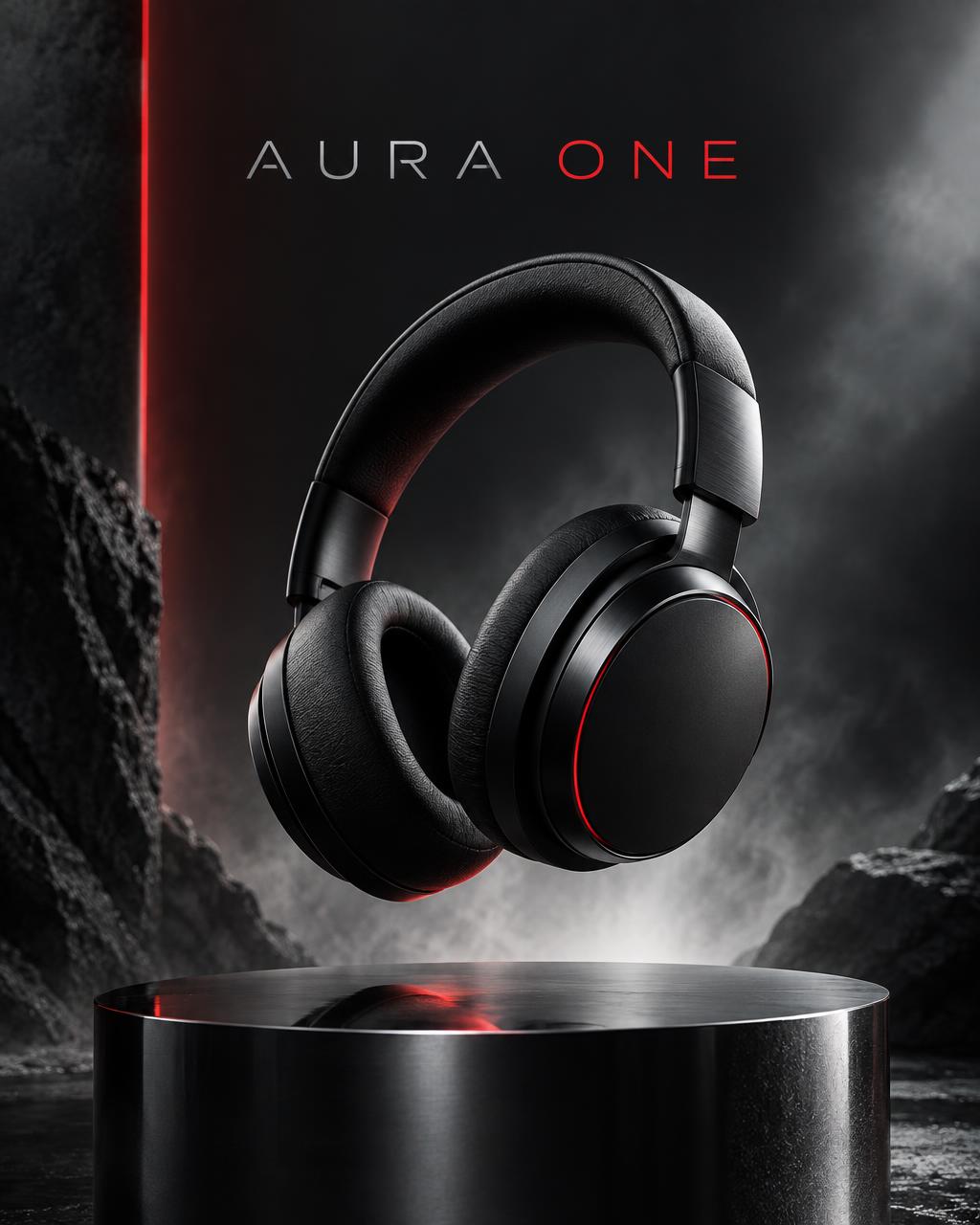
A product flyer works when the object remains the hero. Specify the product's surface, platform and light direction, then reserve clean negative space for the offer. This produces a more convincing campaign visual than filling the frame with unrelated props.
Prompt
Create a premium product launch flyer for a new wireless headphone called “AURA ONE”. Show one matte-black headphone floating above a reflective pedestal with a controlled rim light and soft studio haze. Use the headline “HEAR EVERY DETAIL”, secondary line “LAUNCHING 24 OCTOBER”, and CTA “DISCOVER AURA ONE”. Minimal asymmetric editorial layout, modern grotesk typography, charcoal, silver and signal-red palette, clear logo space, vertical 4:5, photorealistic product advertising, no extra products, no random text, no watermark.
 Browse flyer prompts in Designer
 3. Restaurant offer flyer prompt
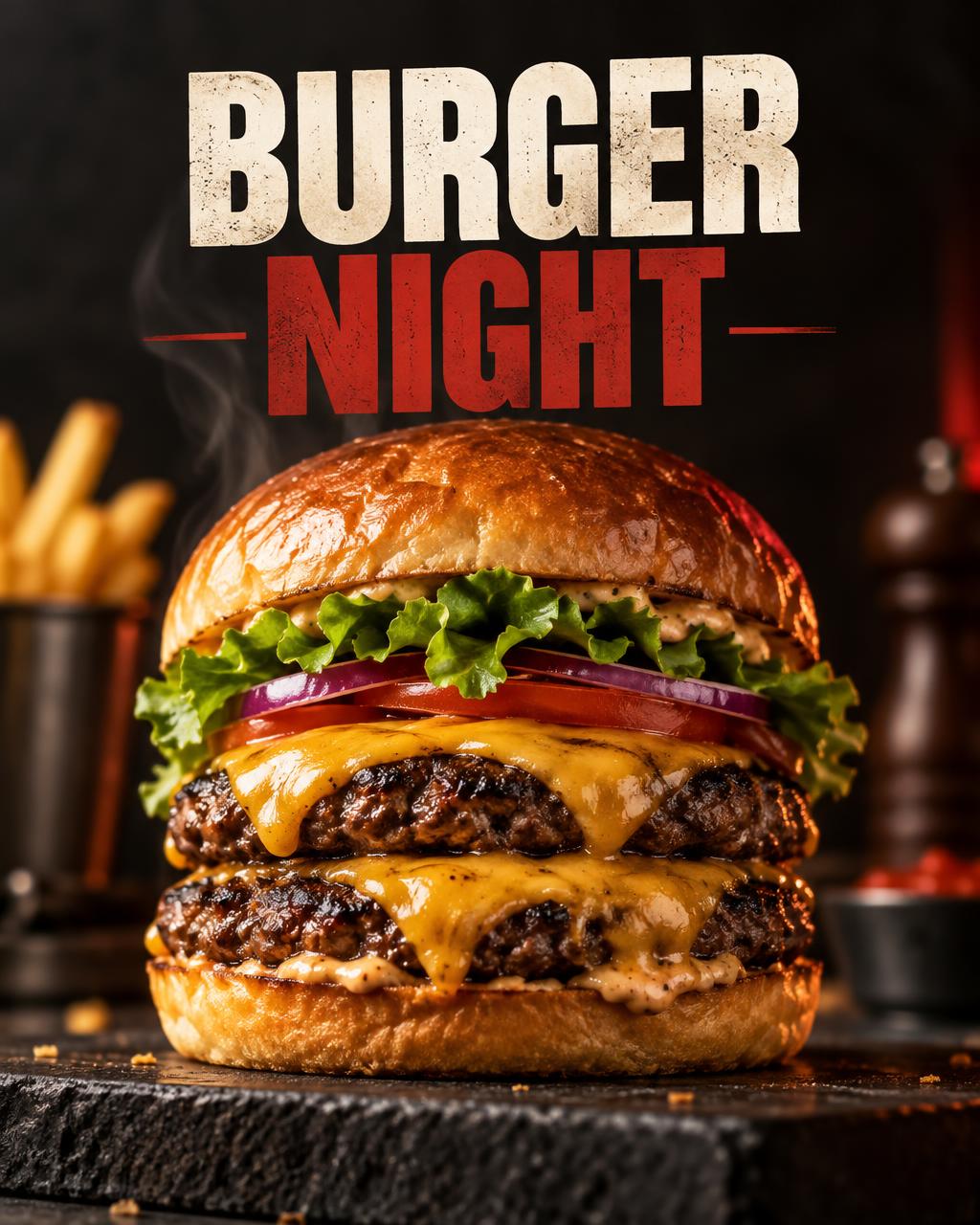
For food promotions, describe the dish, camera angle and appetising details before adding the offer. Keep pricing in one obvious area and leave enough contrast behind every text block. The food should look freshly prepared rather than excessively glossy or artificial.
Prompt
Design an appetising restaurant promotion flyer titled “BURGER NIGHT”. Feature a close-up gourmet double cheeseburger with a toasted brioche bun, crisp lettuce, melted cheese and subtle steam, photographed from a slightly low angle on a dark stone surface. Add “BUY 1 GET 1 FREE”, “EVERY THURSDAY” and CTA “BOOK YOUR TABLE”. Bold block typography, warm amber highlights, deep charcoal background, red accent shapes, clean price badge, vertical 4:5, realistic food photography, no extra dishes, no misspelled words, no watermark.
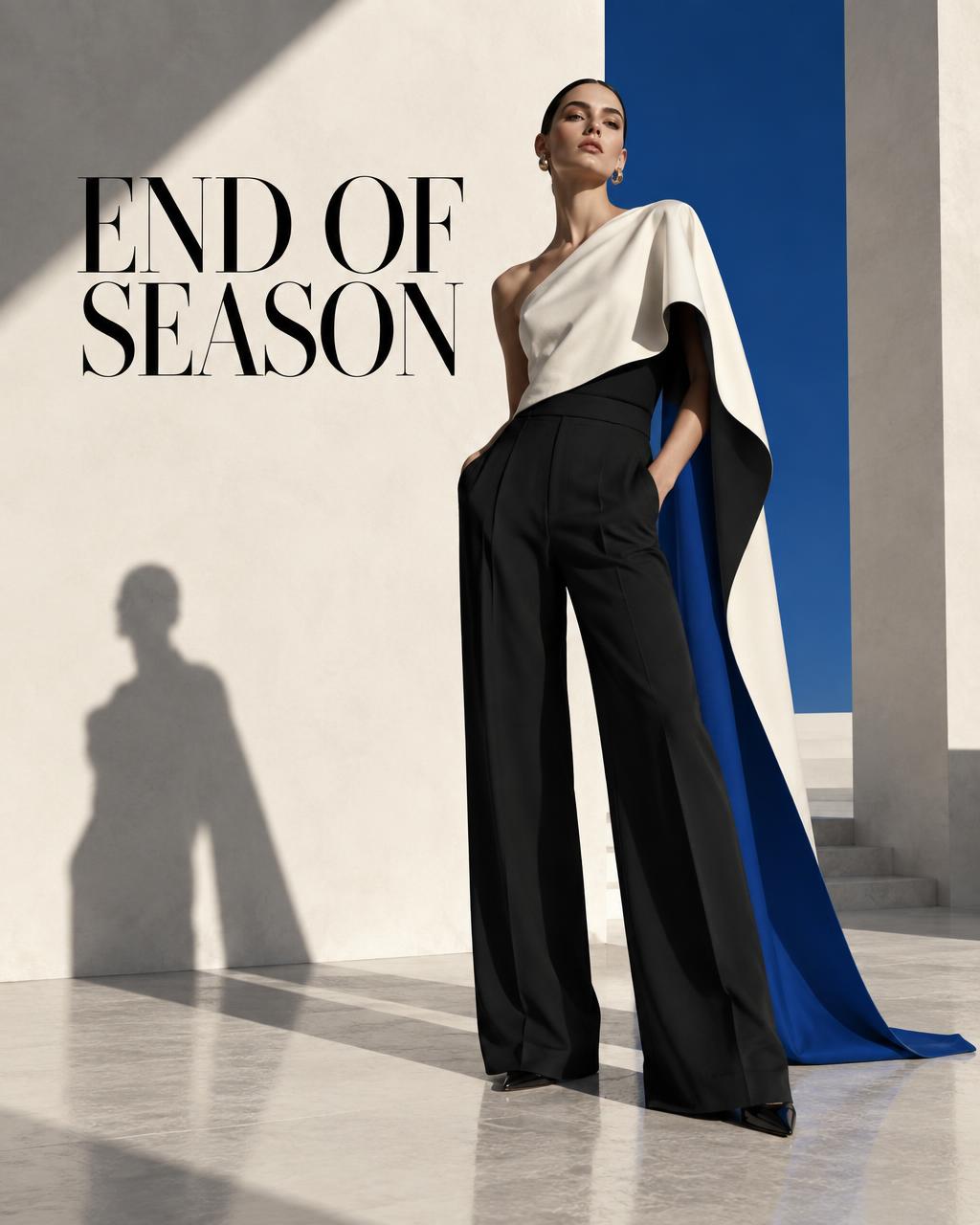
4. Fashion sale flyer prompt
Fashion flyers benefit from editorial restraint. Ask for one confident pose, a defined wardrobe silhouette and type that interacts with negative space rather than covering the model. A single accent colour can turn a simple portrait into a campaign.
Prompt
Create an editorial fashion sale flyer titled “END OF SEASON”. Feature one confident model in a sculptural monochrome outfit against a clean architectural studio backdrop, full-body composition with directional hard light and a long shadow. Add “UP TO 50% OFF” and “THIS WEEKEND ONLY”. Refined magazine layout, elegant high-contrast serif paired with neutral sans-serif details, black, ivory and cobalt-blue palette, generous negative space, vertical 4:5, luxury retail campaign, no extra models, no random text, no watermark.
5. Automotive flyer prompt
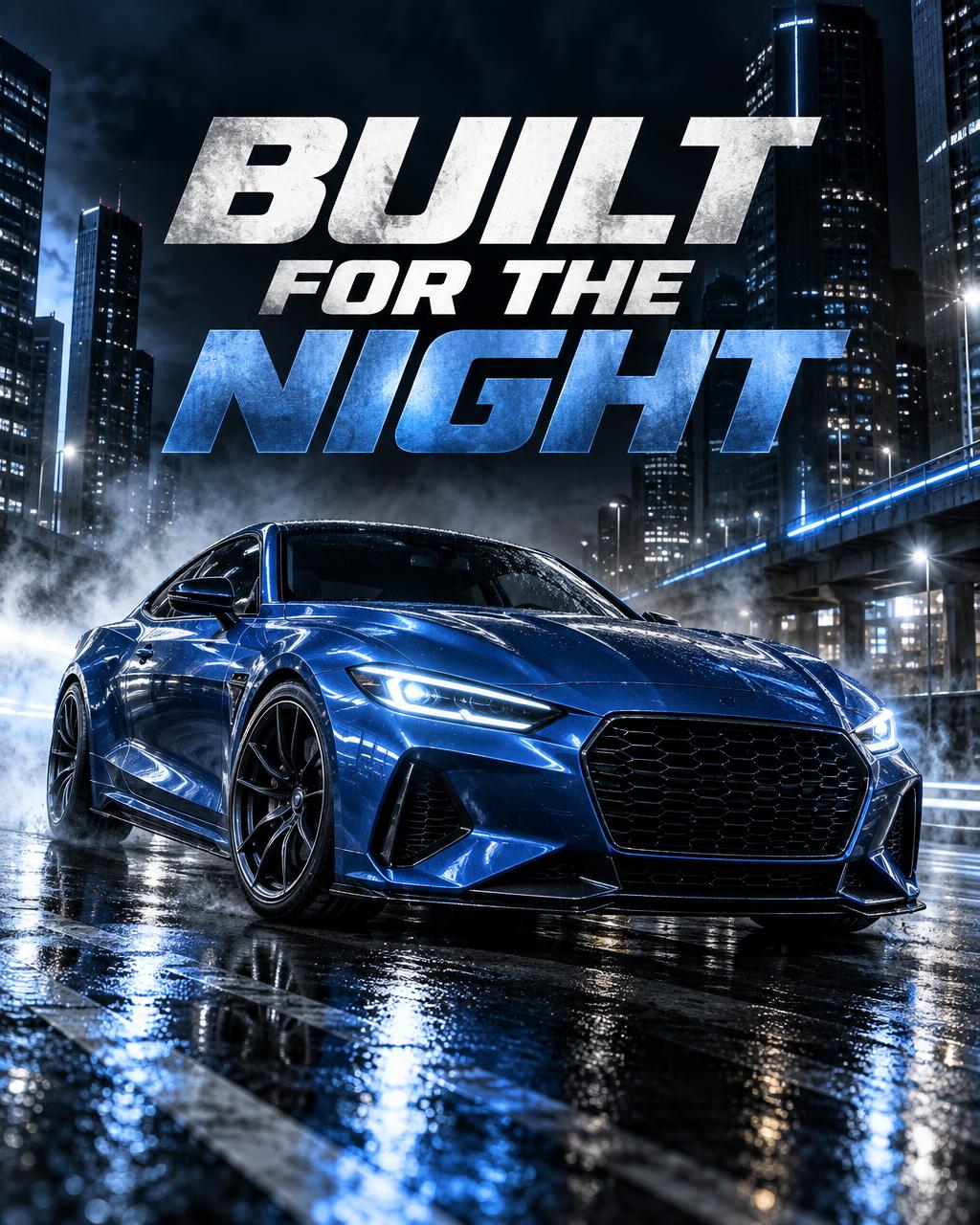
For automotive posters and flyers, define the exact viewing angle, environment and light trail direction. Keep the car unobstructed and use typography around its silhouette. This makes the layout feel designed rather than like text placed over a random vehicle image.
Prompt
Design a cinematic automotive flyer titled “BUILT FOR THE NIGHT”. Feature a metallic-blue performance coupe in a low front three-quarter view on a rain-slick city street, crisp body reflections, controlled motion streaks and cool mist. Add “MIDNIGHT DRIVE EXPERIENCE” and “NOVEMBER 02 — 8 PM”. Oversized white condensed typography placed behind and around the car without covering it, black, blue and white palette, premium motorsport poster composition, vertical 4:5, no extra vehicles, no distorted wheels, no fake brand logos, no watermark.
 Browse flyer prompts in Designer
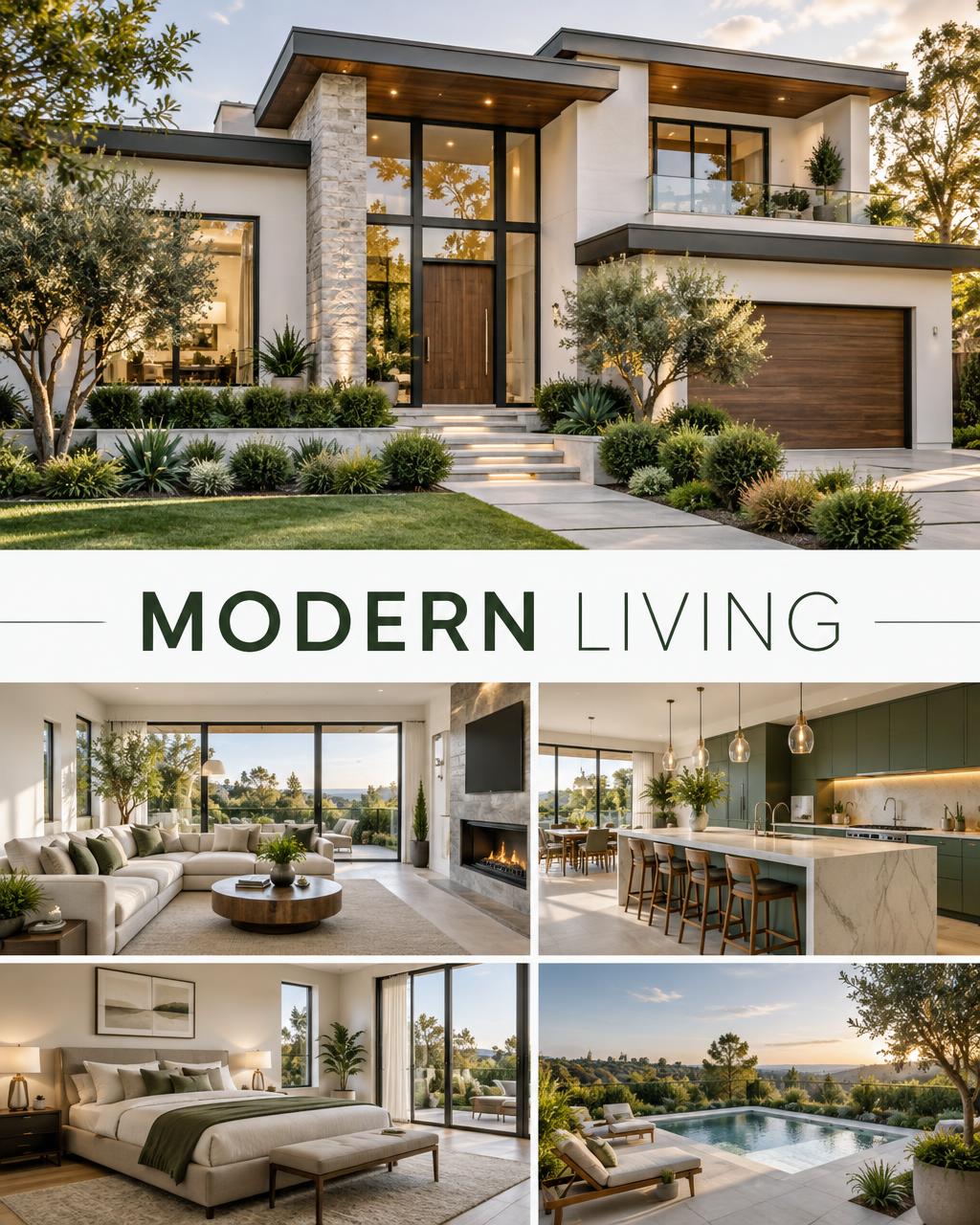
 6. Real estate open-house flyer prompt
Property flyers should communicate trust and space. Use realistic architectural photography, natural daylight and a clean information panel. Avoid dramatic effects that make the property look different from the listing.
Prompt
Create a polished real estate open-house flyer titled “MODERN LIVING”. Feature a bright contemporary villa with accurate architecture, warm late-afternoon daylight, landscaped entrance and natural window reflections. Add “OPEN HOUSE”, “SUNDAY 11 AM–3 PM”, “24 PALM AVENUE” and CTA “PRIVATE VIEWINGS AVAILABLE”. Clean modular grid, sophisticated serif headline with legible sans-serif details, white, forest-green and warm-grey palette, reserved area for agent logo and contact details, vertical 4:5, realistic property photography, no people, no altered architecture, no watermark.
7. Beauty service flyer prompt
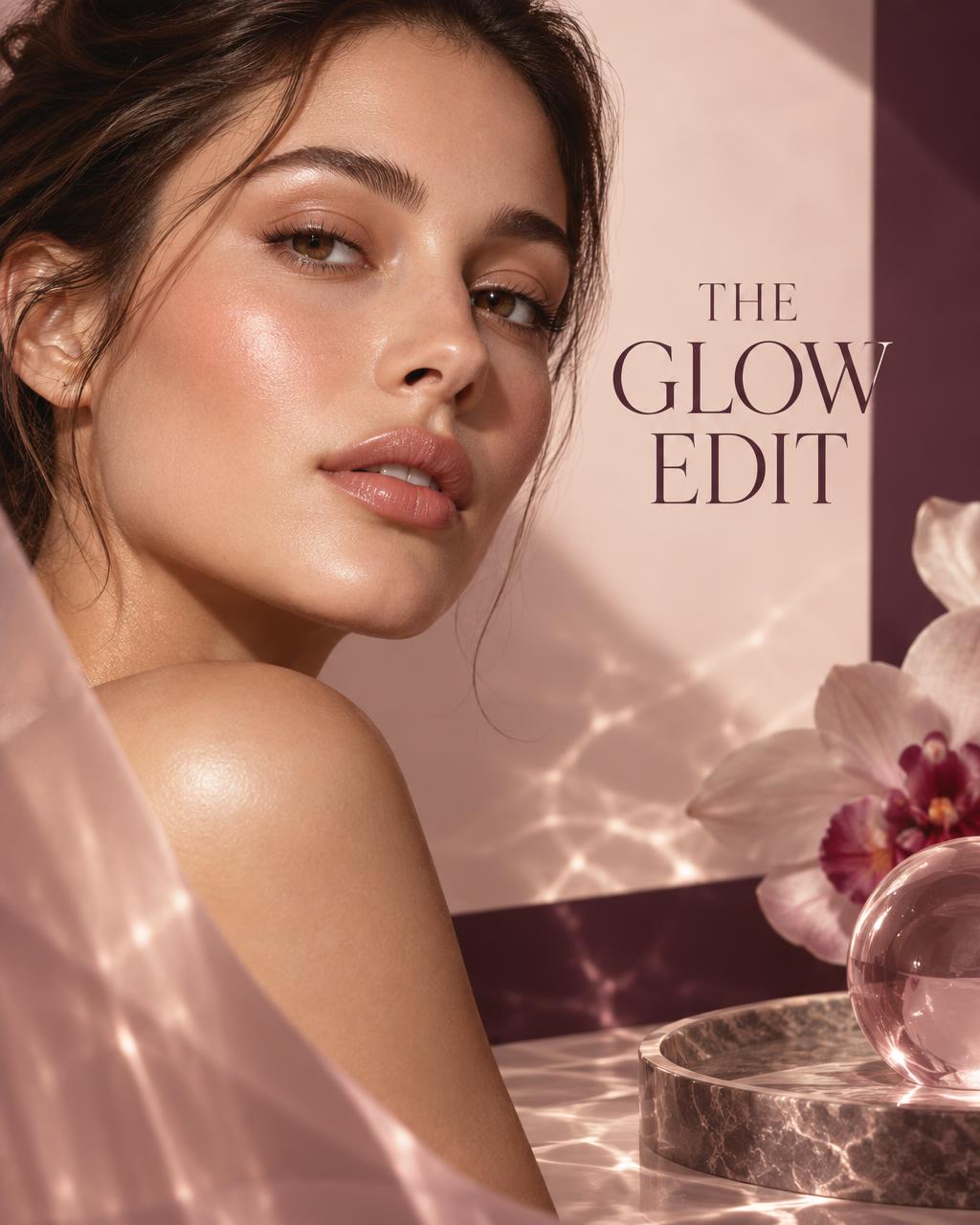
Beauty flyers need polished skin and product-level lighting without erasing natural texture. Use a calm palette, one close crop and a simple offer. Ask for space around the face so the generated composition can hold readable text.
Prompt
Design a premium beauty studio flyer titled “THE GLOW EDIT”. Feature a close editorial beauty portrait with luminous natural skin, subtle peach makeup, soft side lighting and delicate translucent reflections, leaving clear negative space on the left. Add “SIGNATURE FACIAL”, “20% OFF YOUR FIRST VISIT” and CTA “BOOK NOW”. Elegant modern typography, blush, pearl and deep-plum palette, refined spa campaign layout, vertical 4:5, realistic skin texture, no excessive retouching, no extra text, no watermark.
How to improve your flyer after the first result
Generate the composition first, then revise one problem at a time. If the layout feels crowded, shorten the copy and request more negative space. If the subject is weak, describe its scale and position. If the typography is unclear, generate the artwork without detailed text and finish the wording in a design editor. Always verify spelling, prices, dates, addresses, legal disclaimers and brand assets before using an AI flyer commercially.
Find more flyer prompts in PromptPic Designer
PromptPic Designer collects visual-first prompt templates for flyers, automotive posters, campaign graphics and product-led layouts. Browse the sample images, choose a direction and copy the prompt instead of rebuilding the structure from zero. Commercial and Designer templates are available to Pro members.
Browse flyer prompts in DesignerReady to design your next flyer?
Explore flyer, poster and campaign templates with sample images and one-click copy.
Open Designer prompts